STEP 01
Identify the Property
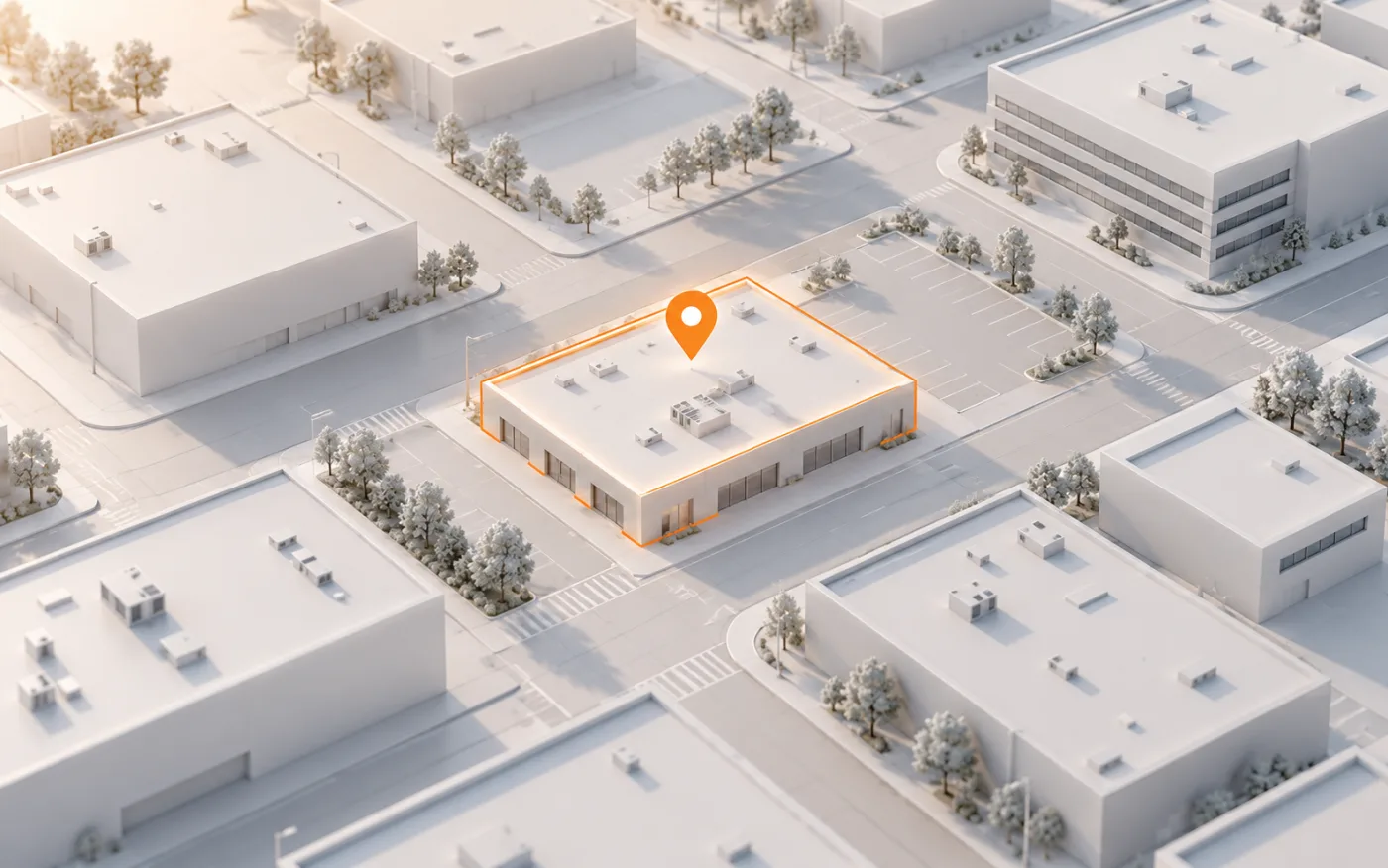
Submit the commercial property's address. When a model is available, confirm that the address and structure match the building you need, especially for properties with multiple sections.

Commercial Solutions
Start with the property address. Explore a supported commercial building remotely in 3D and review available roof areas and physical edges while preparing your scope.
From address to building context
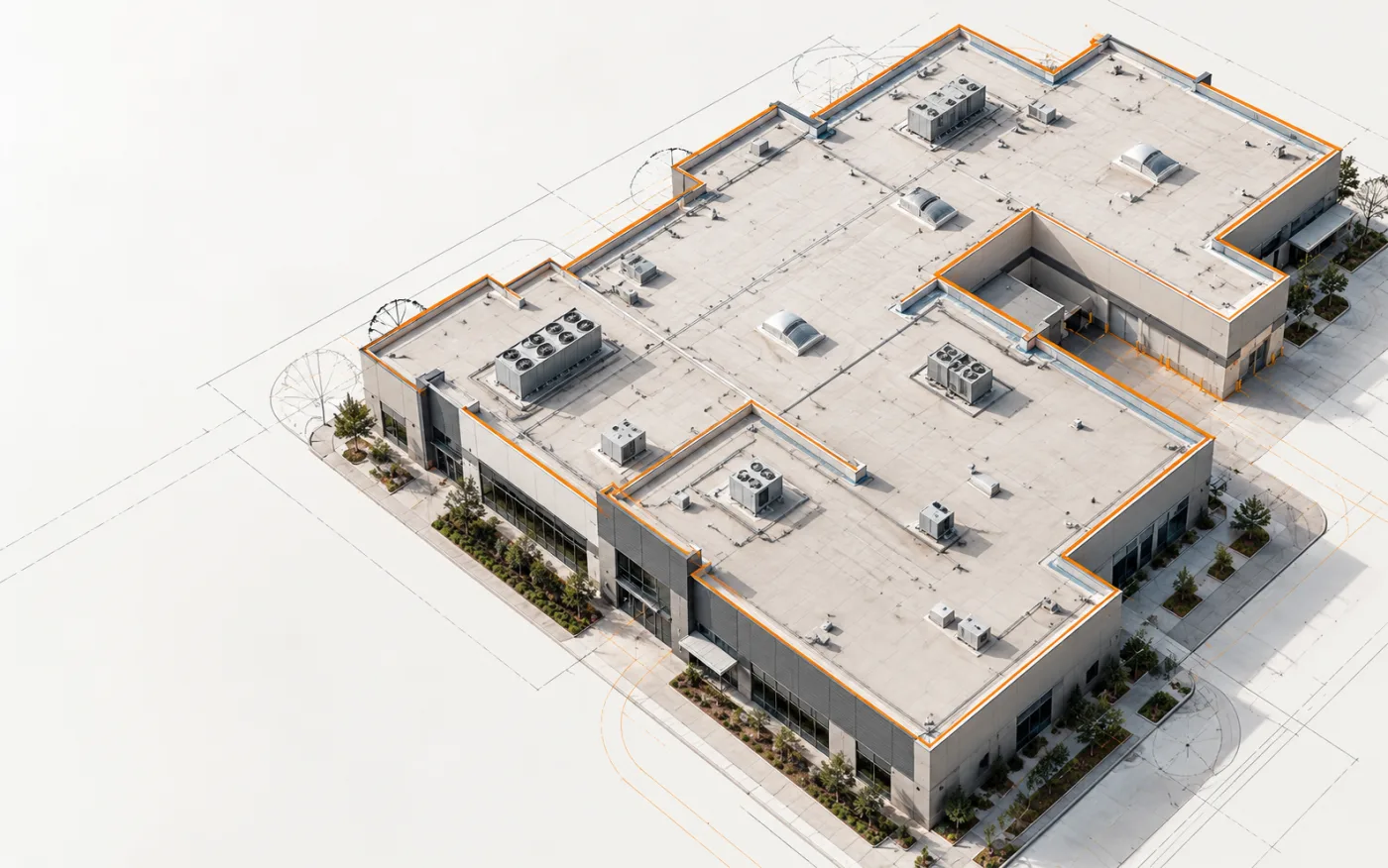
Commercial buildings can have broad roof areas and connected sections. Start with an address, explore the 3D building model, and review the available roof data in context.
Submit the commercial property's address. When a model is available, confirm that the address and structure match the building you need, especially for properties with multiple sections.
Explore the completed model from your desk to understand its footprint, visible roof form, adjoining sections, and changes in geometry that may affect your scope.
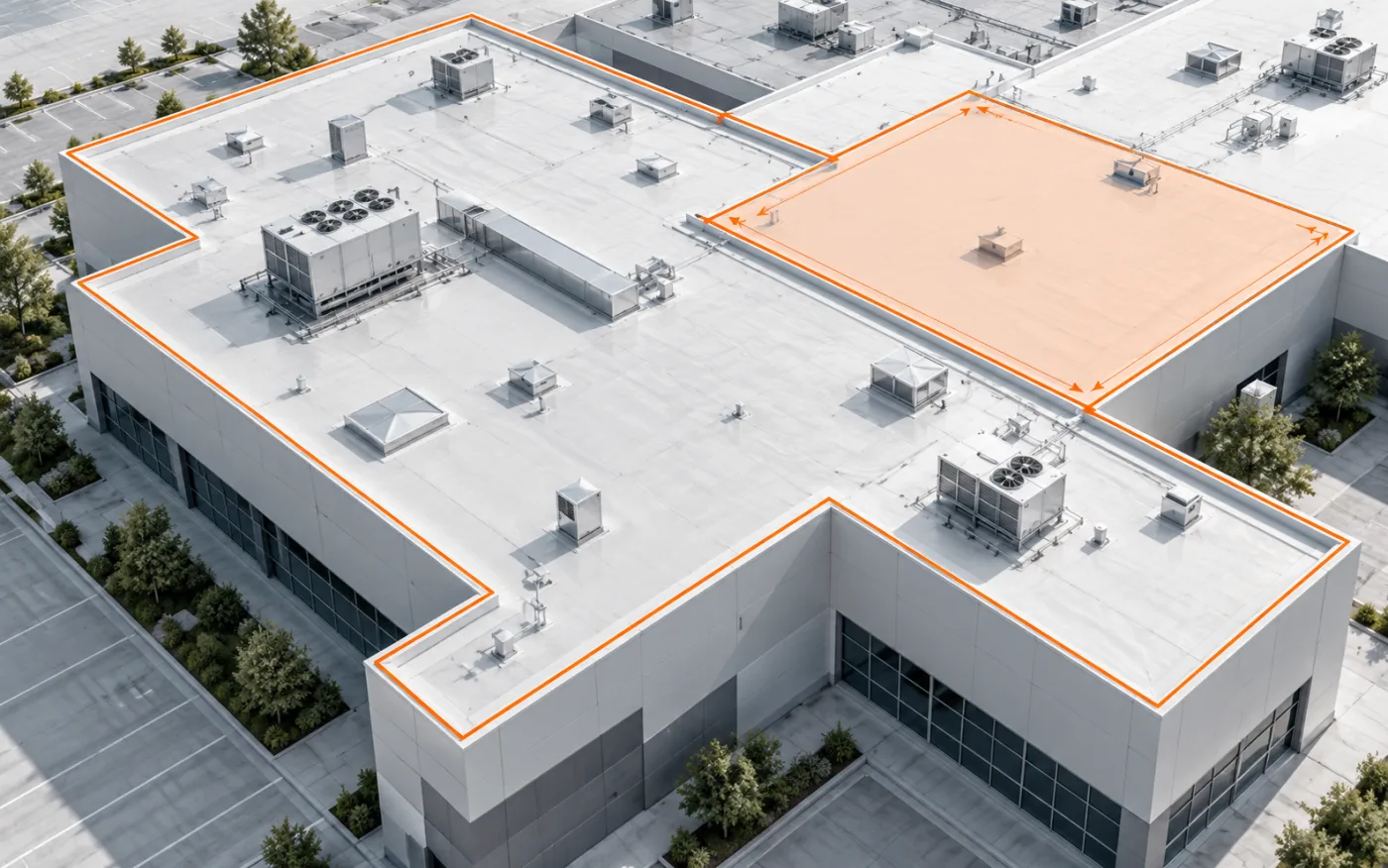
Review available roof areas and physical edges alongside the 3D view. Use the data to prepare your scope and estimate, then download a TXT measurement summary.
Built for the work ahead
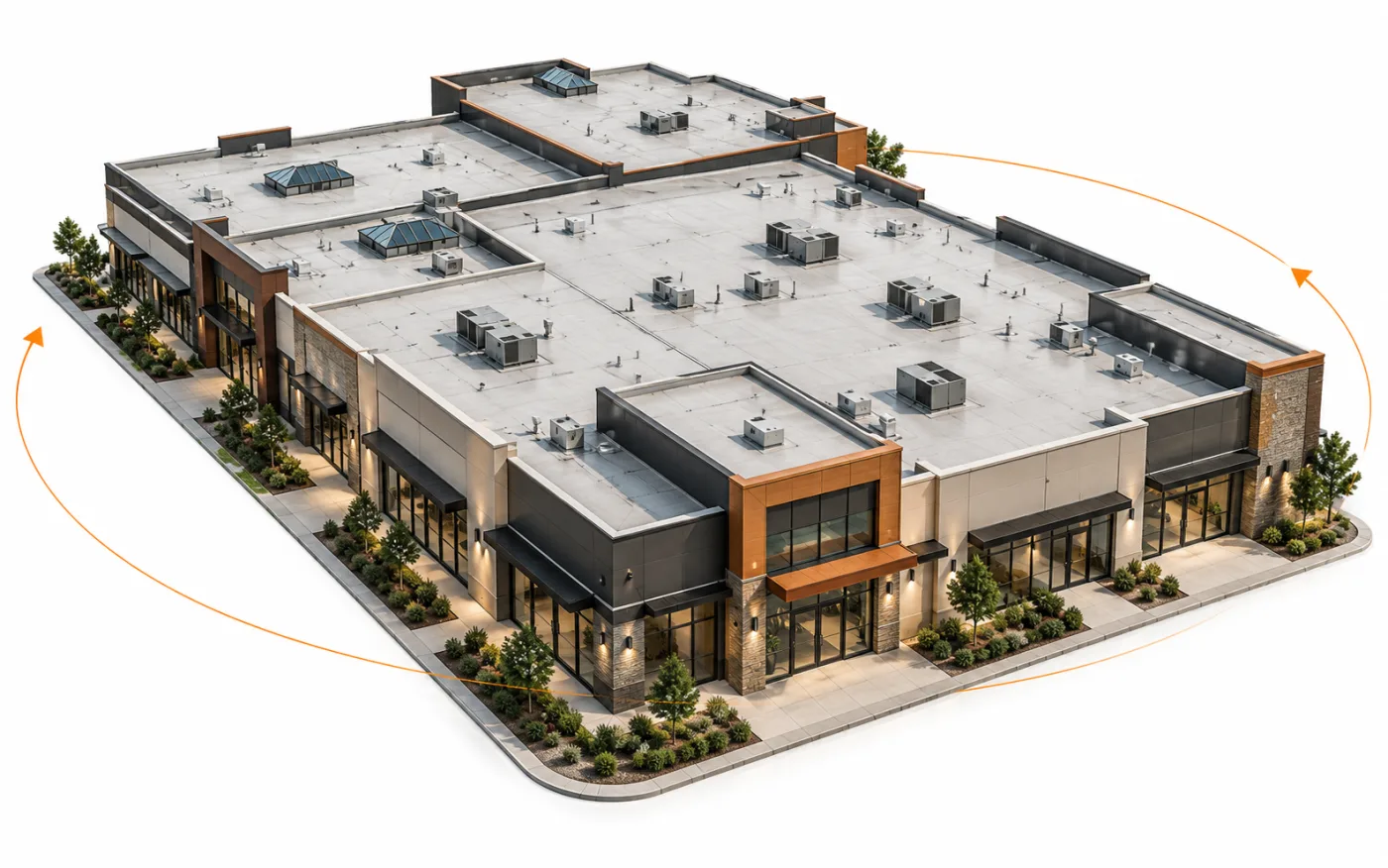
For a larger property, understanding how the building is organized can be as useful as reviewing a single number. The model provides visual context, while available roof data supports your own estimating and planning process.
Review a supported completed model to understand the overall property layout and how its visible sections connect.
Study broad roof planes, transitions, and their relationship to the rest of the building before planning work.
Use supported roof areas and physical edge details as references when preparing a commercial scope or estimate.
Keep 3D building review and available roof measurements in the same workspace while preparing your commercial estimate remotely.
Where it fits
Commercial projects often require a closer look at how building sections connect. A completed 3D model lets you examine the visible form of a supported property and review roof geometry without losing the context of the entire structure.
When measurements are available for the model, review roof areas and edge details while preparing your estimate. Keep the building model, roof dimensions, and downloadable TXT summary together in your workflow; model availability and measurement coverage depend on the property.
Practical answers
Commercial model availability depends on the property. Start with the building location and confirm that a suitable model and the measurements you need are available before relying on the workspace for project planning.
For supported completed models, the roof measurement view can show available areas and physical edge information. The exact details depend on the building and its model; facade surface measurements are not currently provided.
Request a model from the property address, then explore the supported commercial building in 3D and review available roof areas and edge measurements. You can download a TXT summary for your estimating workflow.
Start with one address
Get a 3D building model with available roof measurements, delivered within 12 hours on business days.
Get StartedOrders placed on weekends or US holidays are delivered within 12 hours of the next business day starting.