STEP 01
Find Your Building
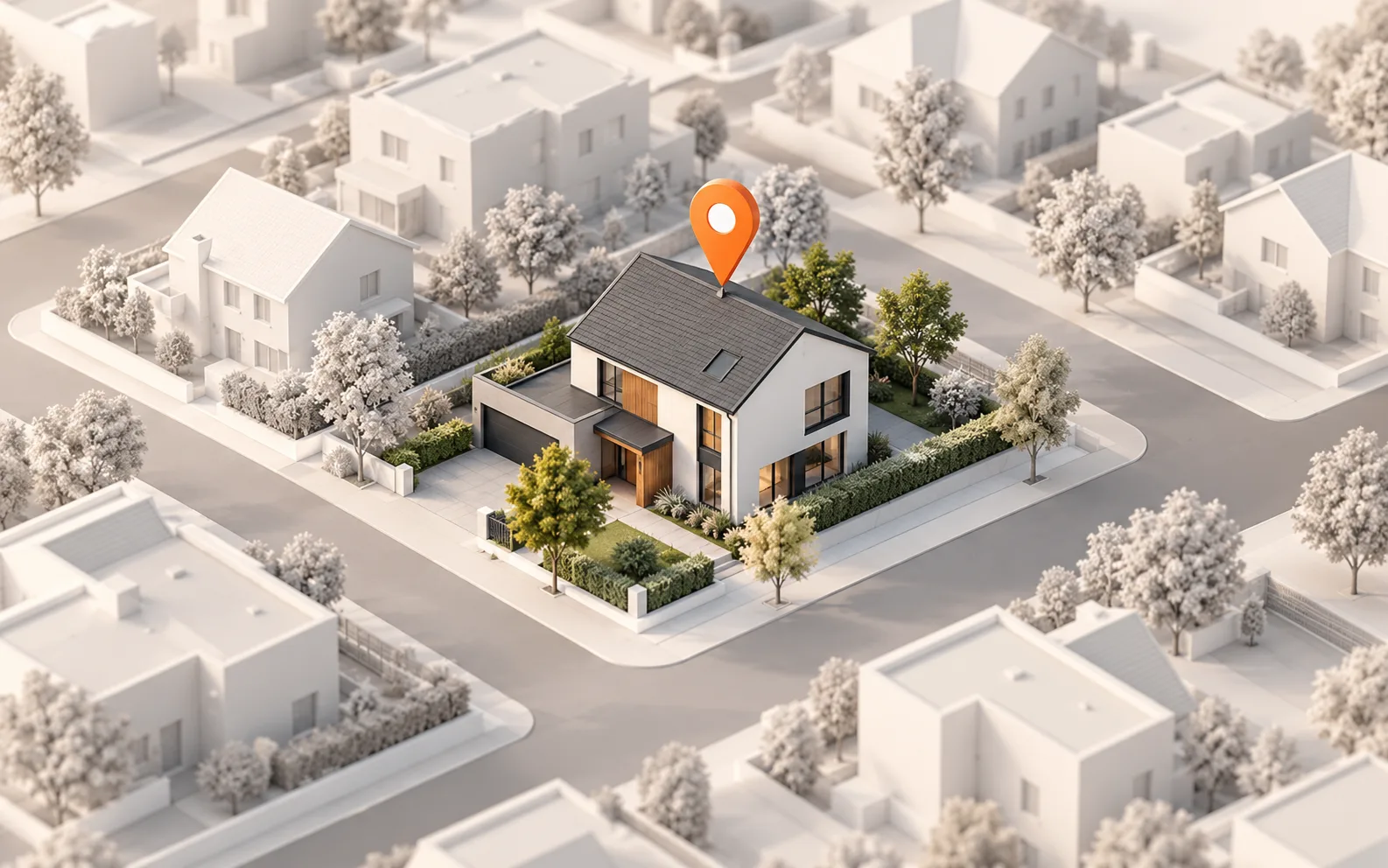
Enter the property address and request a model. When it is ready, confirm that the model shows the structure you intend to review.

Facade Solutions
Start with a property address, then rotate a completed 3D model to explore visible walls, rooflines, and building form.
From address to building context
Start with the correct property, explore its visible exterior in 3D, and bring that context into project planning.
Enter the property address and request a model. When it is ready, confirm that the model shows the structure you intend to review.
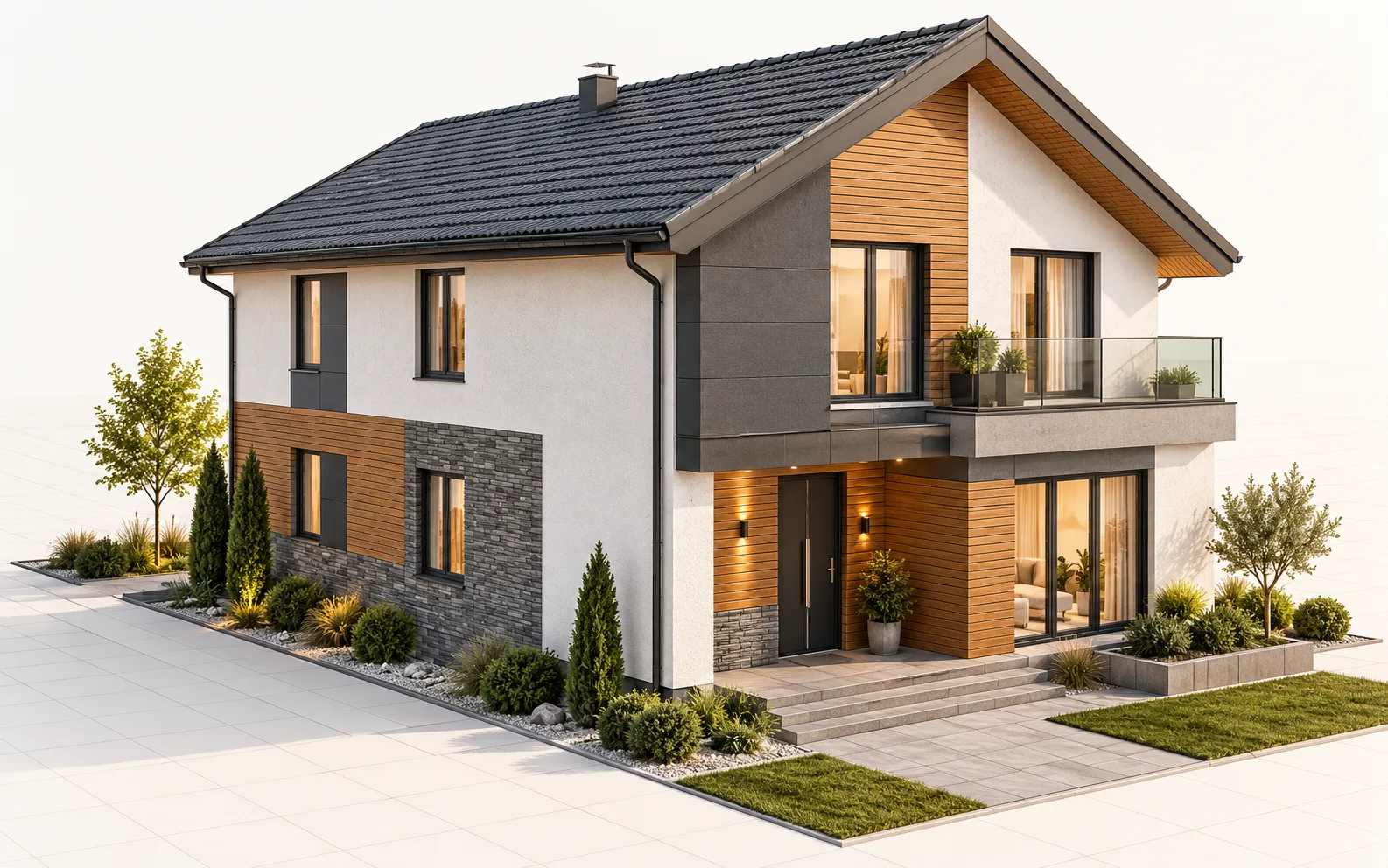
Rotate the 3D model to view visible sides of the building, changes in elevation, and where rooflines meet exterior walls from your desk.
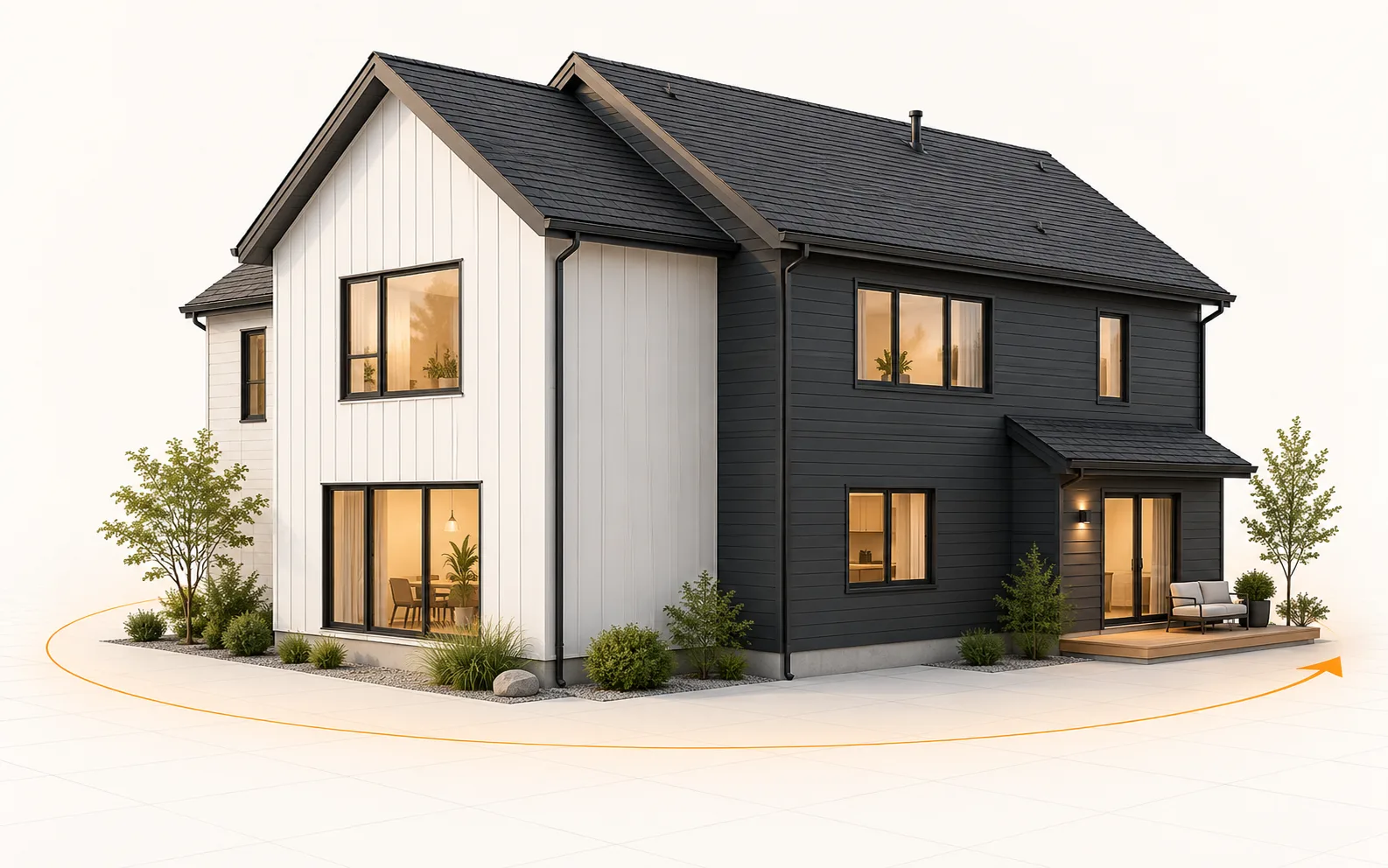
Use the model as a shared visual reference while discussing exterior work. Compare visible sides and roof-to-wall details to understand the building's shape.
Built for the work ahead
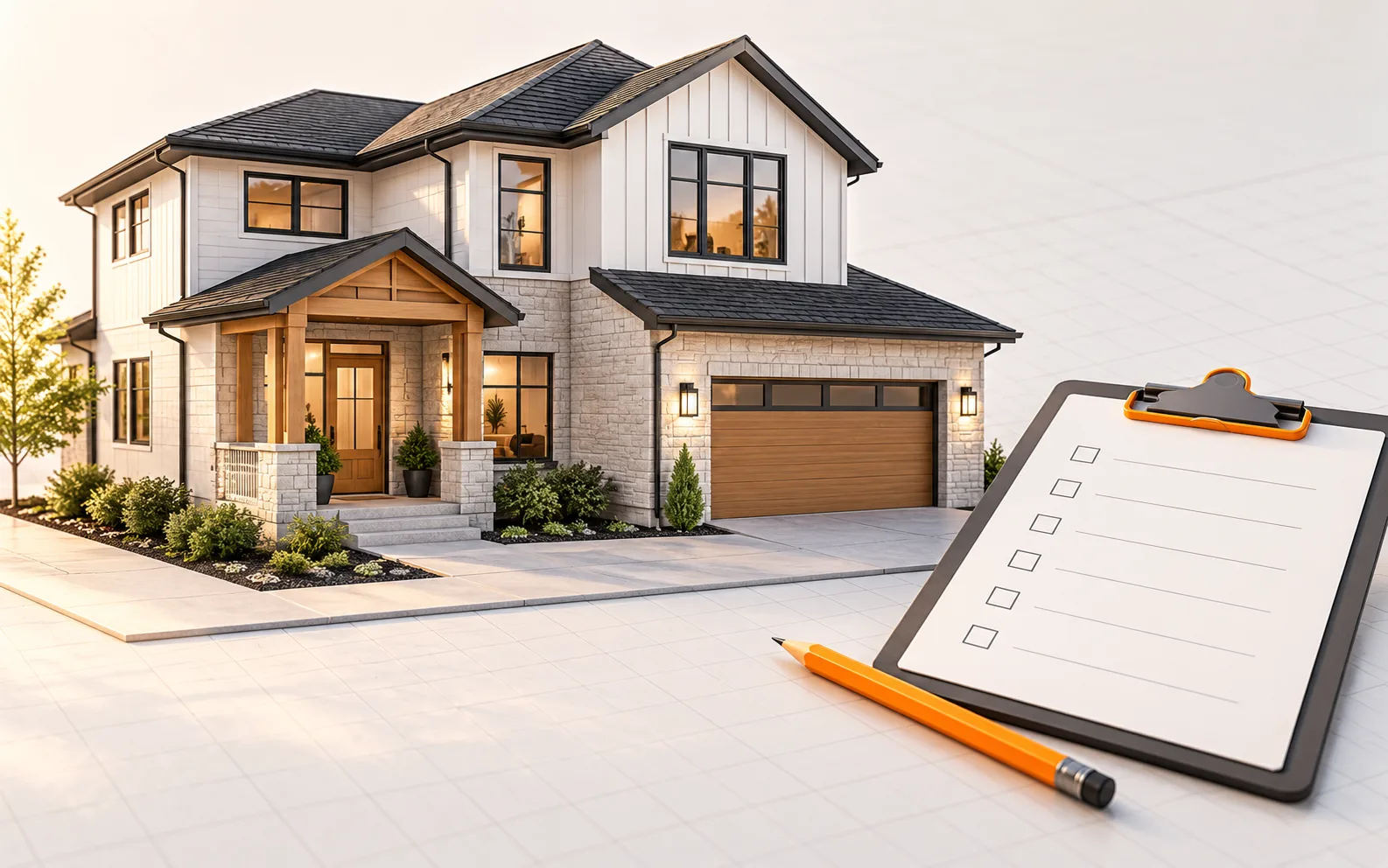
The 3D building viewer gives your team a visual starting point for exterior work from wherever you are. Review the building's visible form before planning next steps.
See the visible building form from an address before discussing exterior renovation or maintenance work.
Rotate the model to inspect different sides and changes in elevation.
Review where rooflines meet exterior walls as part of early project planning.
Use the same 3D building view when discussing the exterior with your team or client.
Where it fits
For siding, cladding, repair, or maintenance work, a 3D view helps you understand the building's visible form. Review exterior walls, rooflines, and changes in elevation together.
Use the model to compare visible sides and discuss project scope remotely. This facade workflow is for visualization; it does not provide wall-area or facade-dimension outputs for a measured takeoff.
Practical answers
You can rotate a completed model to inspect visible exterior walls, rooflines, and how different parts of the building connect.
No. This workflow provides a 3D view of the exterior; facade measurement outputs are not included.
Enter the address and, once the building model is ready, explore its visible exterior in the 3D viewer. Rotate and zoom to see the building from different angles.
Start with one address
Get a 3D building model for exterior review, delivered within 12 hours on business days.
Get StartedOrders placed on weekends or US holidays are delivered within 12 hours of the next business day starting.