All solutions

Roof Solutions

A Clearer View of Every Roof.

Explore a completed building model in 3D, study how its roof planes connect, and review available roof areas and edge measurements from your desk.

Illustrative 3D residential roof with highlighted planes and edges
Illustrative roof model

From address to building context

Three steps to explore your building.

Start with the correct property, inspect its roof in context, and carry the available measurements into your own estimating process. Each step keeps the model and its data connected so you can see which part of the building you are reviewing.

STEP 01

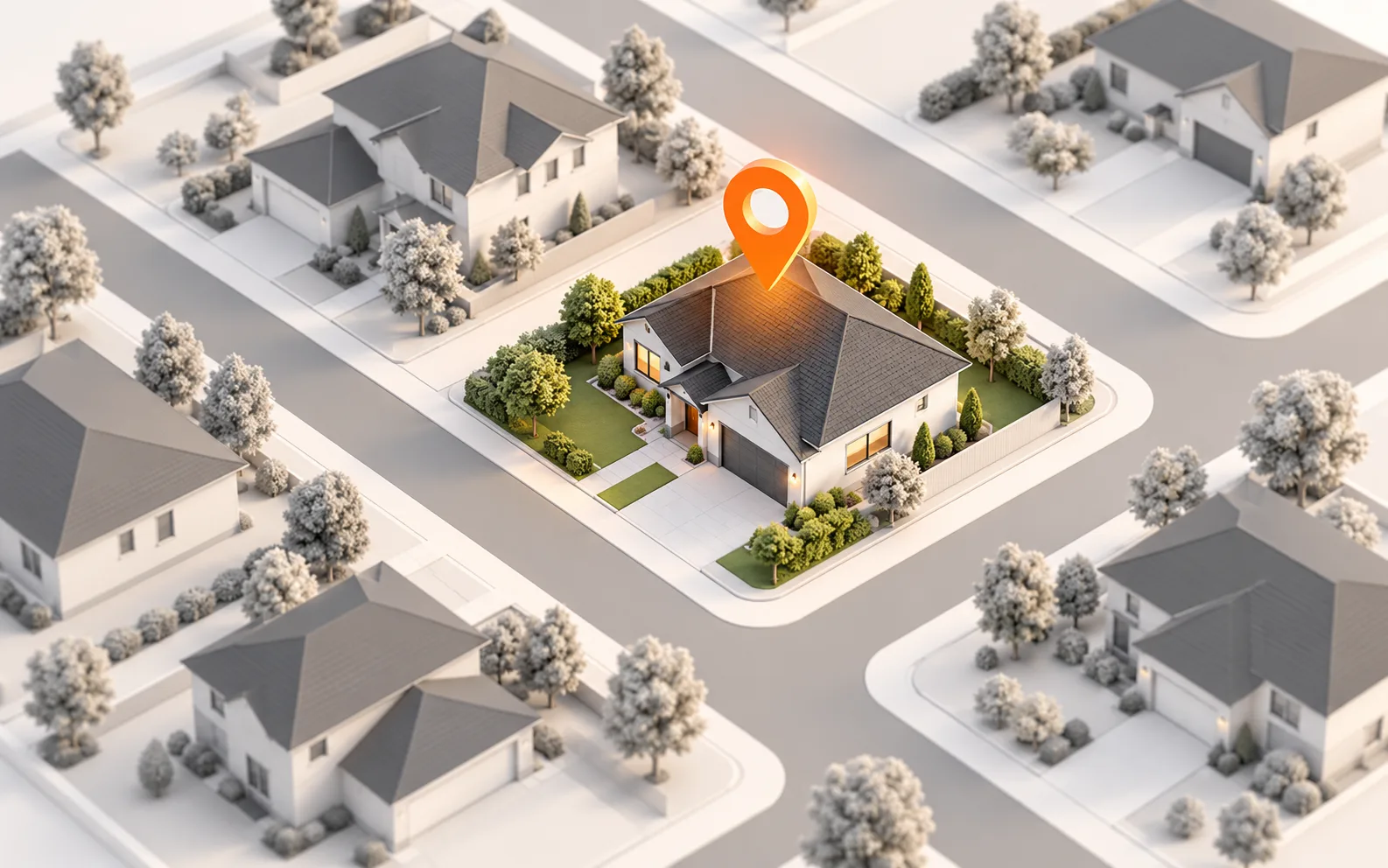
Find Your Property

Enter the building location and request a model through the existing property workflow. Once the model is ready, confirm that you are looking at the right structure before using its roof geometry as a reference for your project.

Illustration of a property selected on a neighborhood map
Illustrative property selection
STEP 02

Explore and Measure

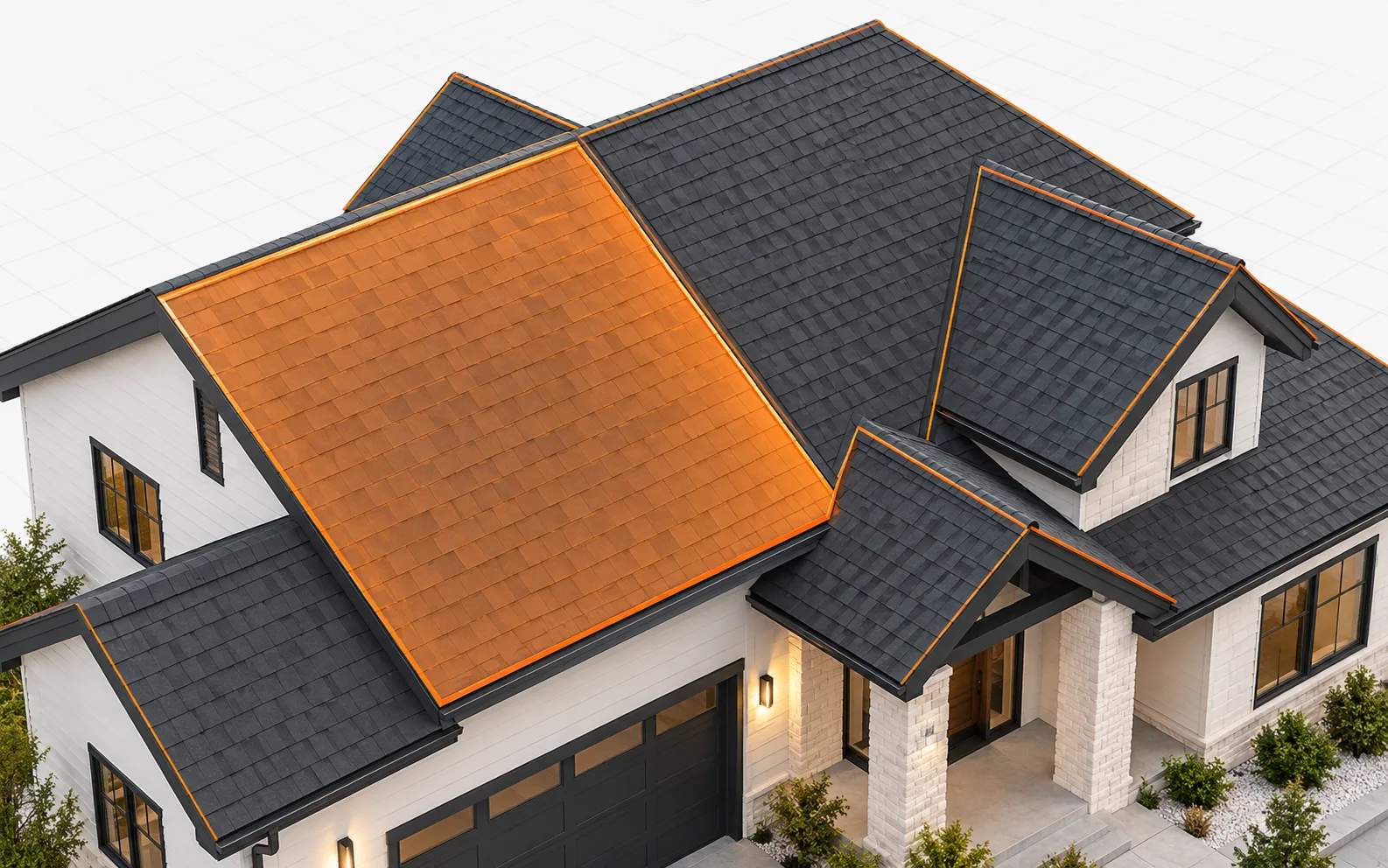
Rotate and zoom the completed 3D model to inspect roof planes, slopes, and transitions from different angles. Open the measurement view to review available roof areas, pitches, and facets alongside the surfaces they describe.

Illustrative 3D roof with one plane highlighted for inspection
Illustrative roof inspection
STEP 03

Review Your Measurement Data

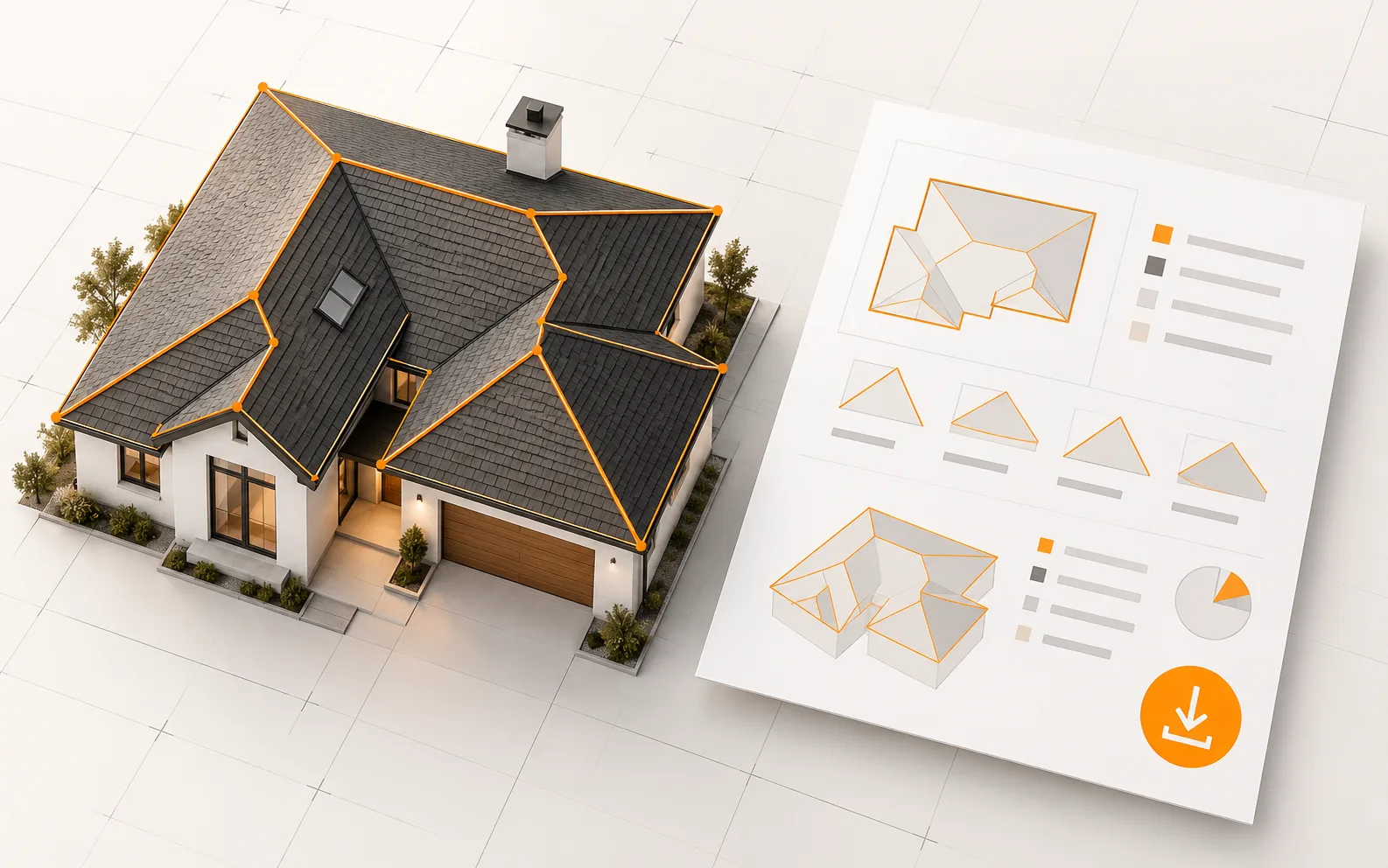
Use the measurements panel to review roof-area breakdowns and physical edge categories such as eaves, ridges, hips, valleys, and rakes where present. Download the measurements TXT file for your estimating workflow.

Illustrative roof model beside a measurement summary and download symbol
Illustrative data review

Built for the work ahead

What you can do with roof solutions.

A roof estimate is easier to prepare when the surfaces and available measurements can be reviewed together. BotOnPlot gives you a 3D reference for the building and a place to inspect the roof data associated with that model.

Interactive roof visualization

Rotate and zoom the completed model to understand the shape of the roof and how adjoining planes relate to the rest of the building.

Roof geometry measurements

Review available roof areas, pitches, facets, and physical edge details in the measurement view instead of separating the numbers from the visual model.

Multiple viewing perspectives

Examine roof surfaces from useful angles while planning the project remotely.

Data for estimating

Use the measurement panel and downloadable TXT summary as references when building your own quantities, scope, and estimate.

Where it fits

Roof measurements connected to the building you are planning

Roof work depends on more than a single area figure. The shape of a roof, the number of planes, its pitch, and the lengths of physical edges can all affect how you plan a job. In BotOnPlot, you can move around the 3D model while checking the available measurement details for the same property.

Compare sections of the roof and organize the figures you need for an estimate from the 3D model. Review roof areas and edge details together, then download a TXT summary to keep the measurements with your project records.

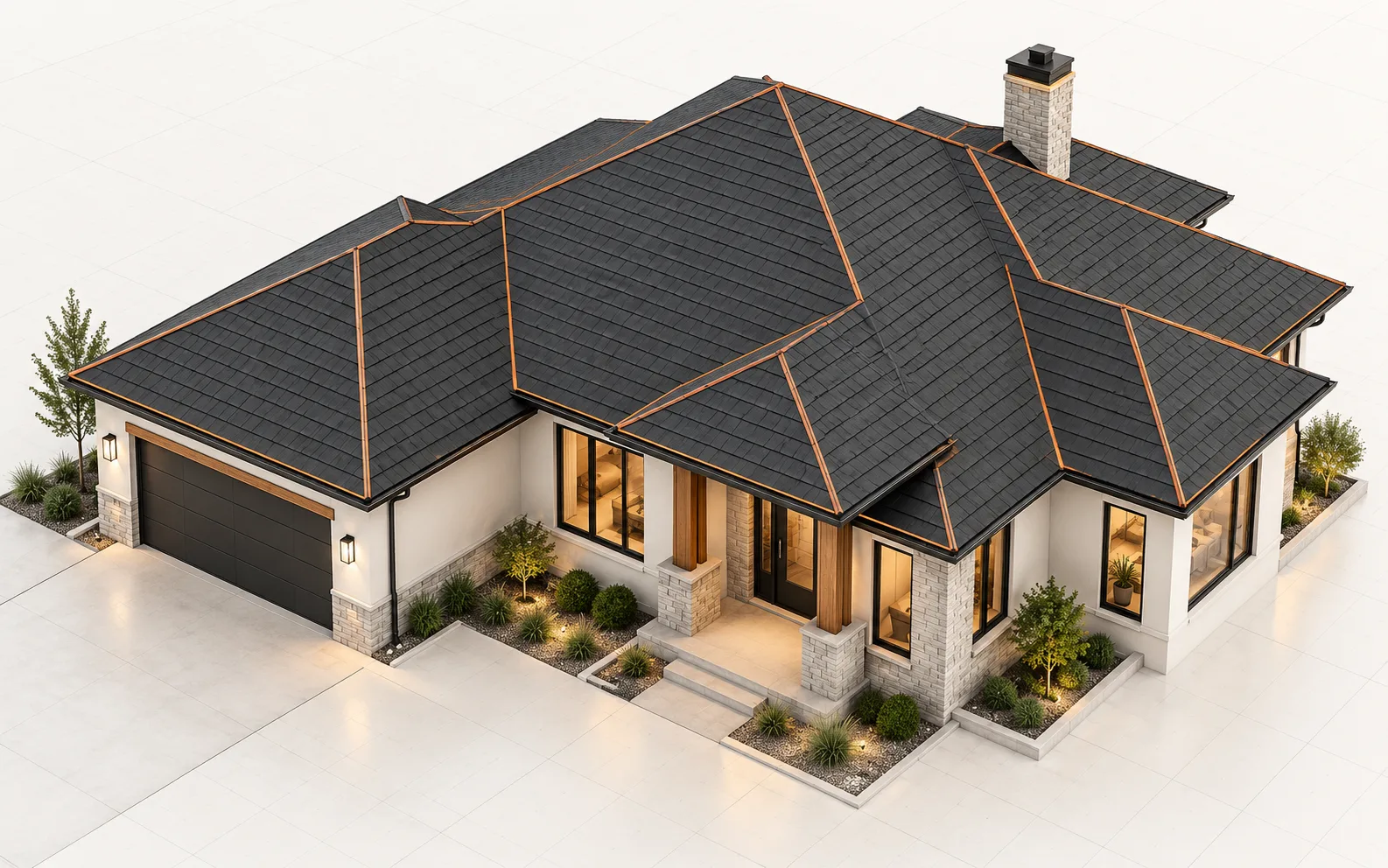
Use the model to

  • Review roof planes and transitions
  • Check available areas and edge details
  • Carry measurement data into your own estimate
Explore the related feature

Practical answers

Questions about roof solutions

What roof measurements can I review?

The available measurement view includes roof area information, pitches, facets, and physical roof-edge categories for a completed model. The details shown depend on the building geometry and the measurements available for that property.

Can I download the roof measurement data?

Yes. The current application provides a measurements TXT download that you can keep with your project documentation and use as a reference in your own estimating process.

How do I get roof measurements from an address?

Enter the property address to request a model. Once it is ready, review available roof areas, pitches, facets, and edge measurements alongside the completed 3D building.

Explore all solutions

Start with one address

Roof measurements start with an address.

Request a 3D building model with available roof measurements from an address, delivered within 12 hours on business days. Review the roof remotely.

Get StartedFor orders placed on weekends or US holidays, the 12-hour window starts on the next business day.